The Exorcist Mod allows your Sim to investigate other Sims for dark possession, perform exorcisms, and offer exorcism services to clients. Your Sim can purchase exorcism supplies, investigate potentially possessed Sims, and complete exorcism events to earn money.
Getting Started
Click on your Sim and select the Exorcist Settings menu. From this menu, you can add or remove the Exorcist Trait.
Once your Sim has the trait, they can begin investigating other Sims for dark possession.
Exorcism Investigation
Your Exorcist Sim can investigate any Sim from teen to elder.
During the investigation, you’ll have two new interactions: Check for Dark Possession and Offer Comfort and Light.
Checking for Dark Possession will reveal whether the Sim is possessed or all clear.
If the Sim is possessed, they’ll receive a new trait and a 24 hour Dark Possession buff that makes them dazed.
Note: The Dark Possession buff will remain for the full 24 hours, even after the exorcism is completed.
Purchasing Exorcism Supplies
Before performing an exorcism, your Sim will need a few items.
From the computer, open the Exorcist Service menu and select Purchase Exorcism Items.
You’ll need Holy Water, Holy Oil, and a Religious Item in your Sim’s inventory. These items cost between $2 and $4 each.
Performing an Exorcism
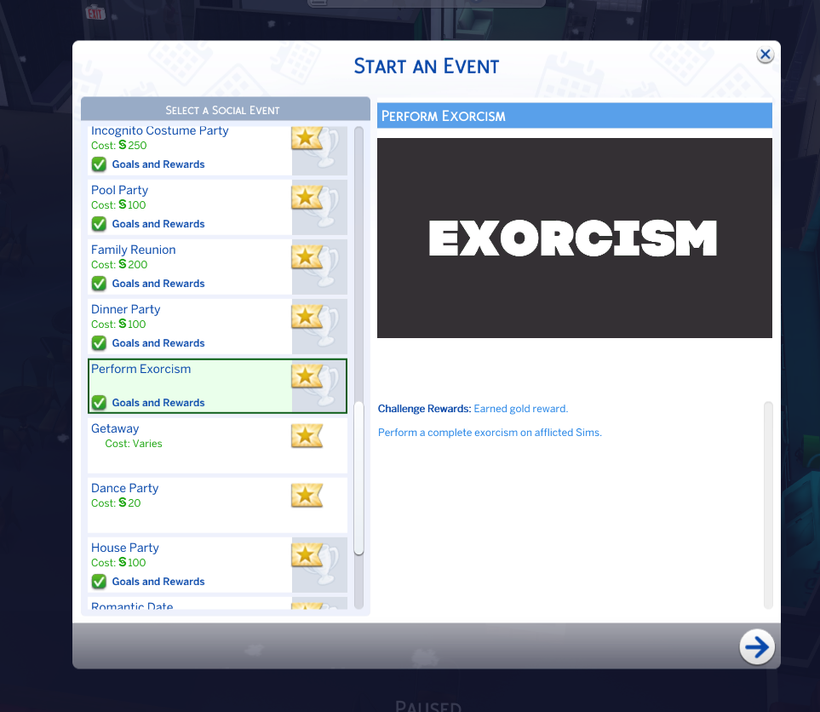
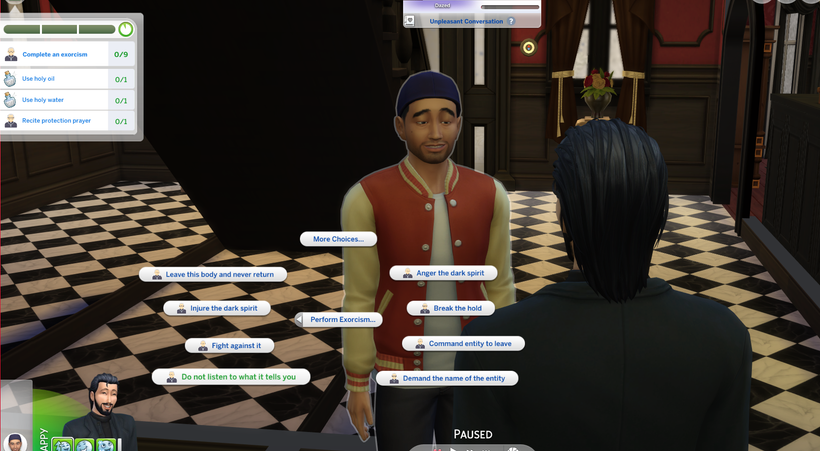
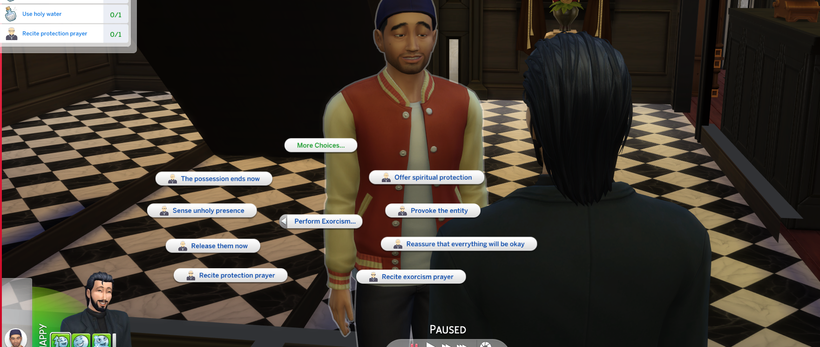
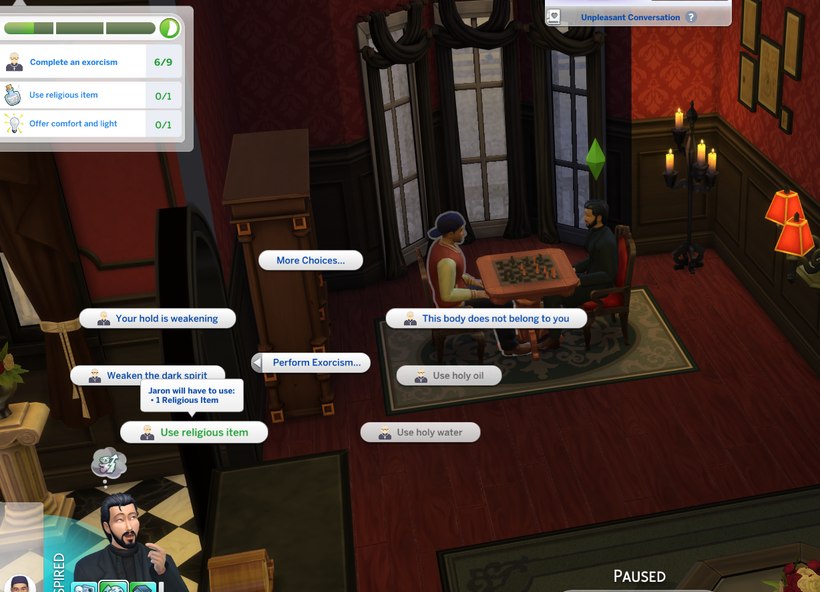
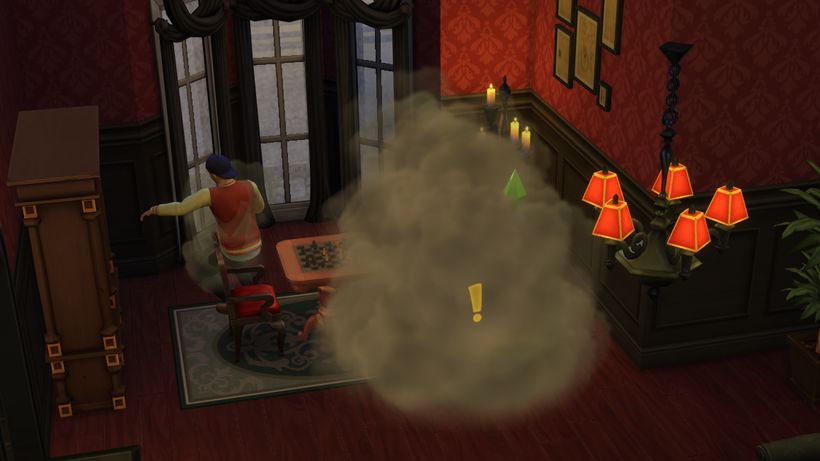
From your Sim’s phone, open the Social category and select Plan a Social Event. Choose the Perform Exorcism event.
Select the possessed Sim as the client and your Exorcist Sim to perform the exorcism.
Complete the event goals to collect payment.
Note: Exorcism interactions will only appear on Sims with the Dark Possession buff.
Offering Exorcism Services
Your Sim can also open their own exorcism service from the computer.
Select Open for Exorcism Service to spawn several potentially possessed clients on the lot.
Your Sim can investigate each client to determine whether they’re possessed and perform exorcisms on those who are.
When you’re finished working, use the Close interaction to remove all clients from the lot.